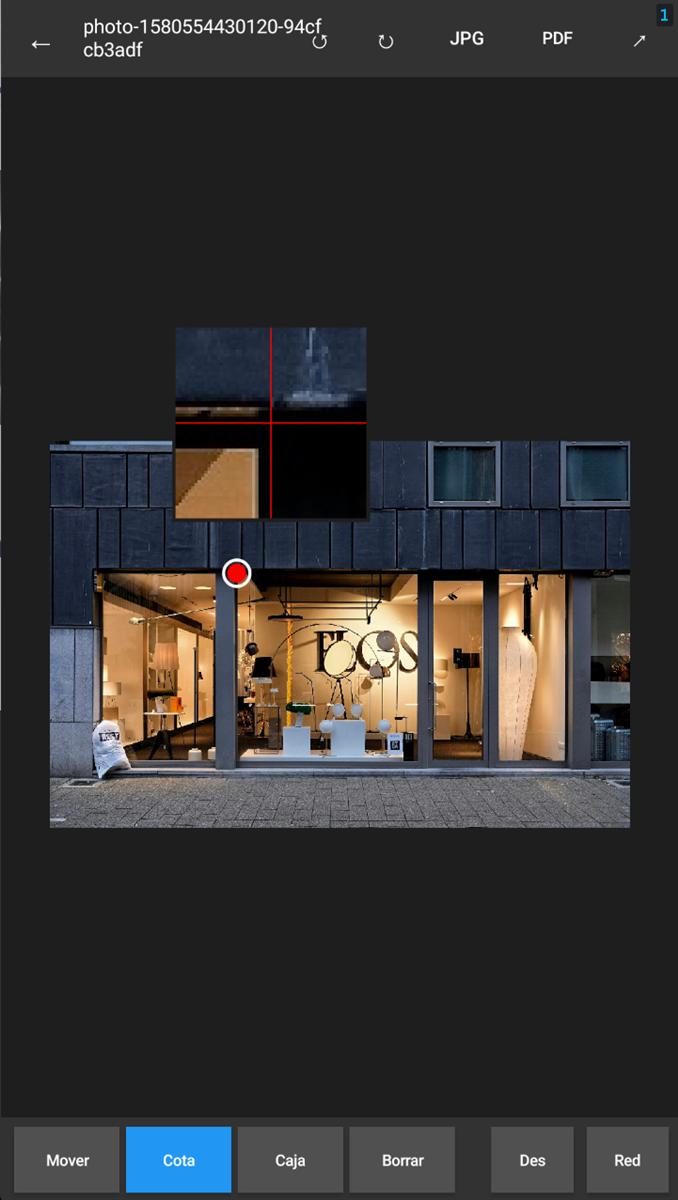
PakuMedidas does one thing: take a photo of a facade or any space and let you annotate dimension lines and text directly on top of it, by hand, with no connection and no automatic camera-based measurement. Tap two points, type the measurement, move to the next one. When you're done, export an annotated JPG or a vector PDF ready to send.
01 — What it is and who it's for
Built for sign makers, installers and technicians who document measurements on site: you get to a facade, take the photo, and instead of writing measurements down on a separate notepad (or worse, trusting your memory until you get back to the shop), you leave them written on the photo itself. The user enters the measurement manually — the app doesn't measure anything for you, it just gives you fast, precise tools to annotate on top of the photo.
Everything runs 100% locally: no servers, no account, no internet. Projects are saved on the device itself with their photo, thumbnail and annotations.
02 — Dimension lines: editable cotas
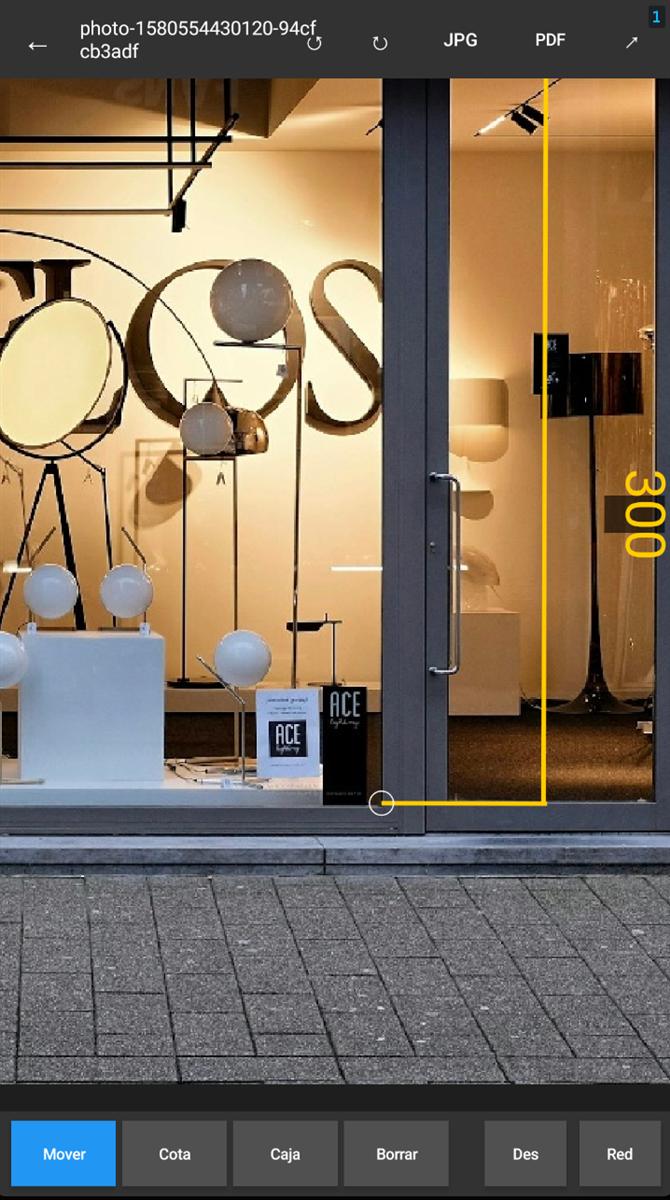
A "cota" is an arrowed dimension line with an editable text value (e.g. 385 cm) and an adjustable offset from the actual line. You place them by tapping two points on the photo — with an on-screen precision magnifier while you position each point — and afterwards you can drag each part independently: the endpoints, the text, or the offset line itself.
Each cota's text can be rotated in 90° steps from the context menu, useful for vertical or facade-oriented dimensions. Color, line width and text size are set through visual preset panels, and the last style used is remembered as the default for the next cota.
03 — Free-form text boxes
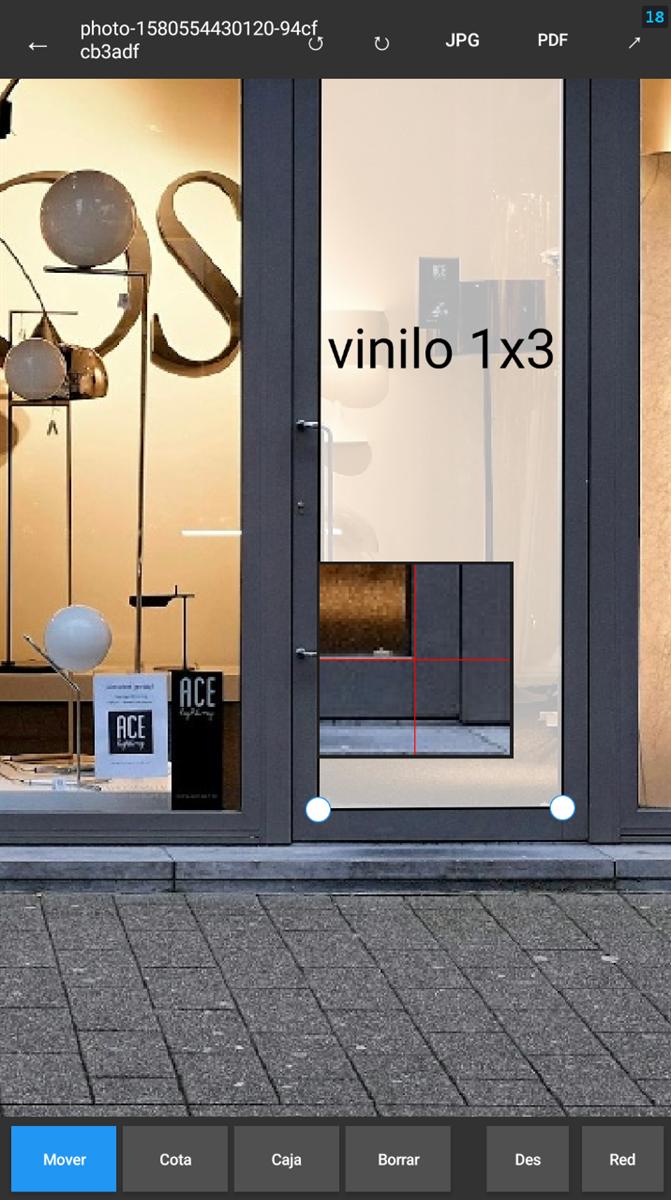
Besides cotas, you can add text boxes to label elements — "Window", "Main entrance", whatever's needed. Unlike a classic rectangular box, each box has 4 independent corners you can drag separately, so it adapts to the actual perspective or shape of the element you're pointing at, not just a screen-aligned rectangle.
Configurable semi-transparent background, independent text and border colors, and the same visual preset system for text size.
04 — Export to JPG or vector PDF
Two ways to get the result out: an annotated JPG at full resolution, ready to send as-is, or a vector PDF where the cotas and boxes are drawn as real vectors (not a rasterized image on top of the PDF) — so zooming into the PDF keeps lines and text crisp instead of pixelating.
05 — Share and capture from the camera
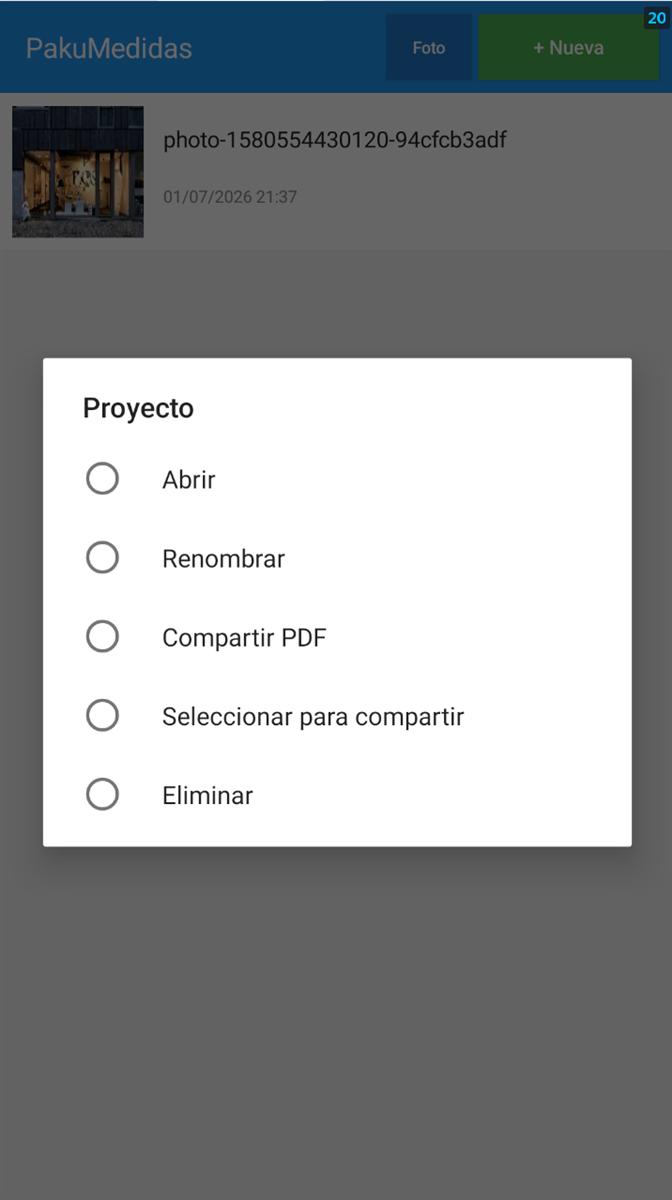
The share button launches the native Android dialog (WhatsApp, email, or any installed app) with the JPG or PDF already generated. You can also select several projects at once from the list and share them together in a single send.
If you don't have the photo yet, the app can launch the camera directly from the project list and jump straight into annotation right after taking the photo, with no intermediate steps.
06 — Requirements
- Android 5.0 (API 21) or higher
- Permissions: gallery access (to pick a photo) and camera (optional, for new photos)
07 — Download and use
The APK is on the GitHub releases page. Download it, enable "unknown sources" if your device asks, and install it.
Source code is at github.com/unmateria/pakuMedidas under PolyForm Noncommercial 1.0.0 + a reciprocity clause. Free for noncommercial use; commercial use of the original or any derivative requires the author's written permission; if you modify and distribute it, the fork must also remain open under the same license.