pakuInsoladora does one thing: converts a PDF or image from KiCad/Eagle into the file your resin printer understands, so you can expose a presensitized PCB in seconds. No UVtools, no resin slicer, no configuration beyond the exposure time. Download, run, open your image and export.
01 — Why not UVtools
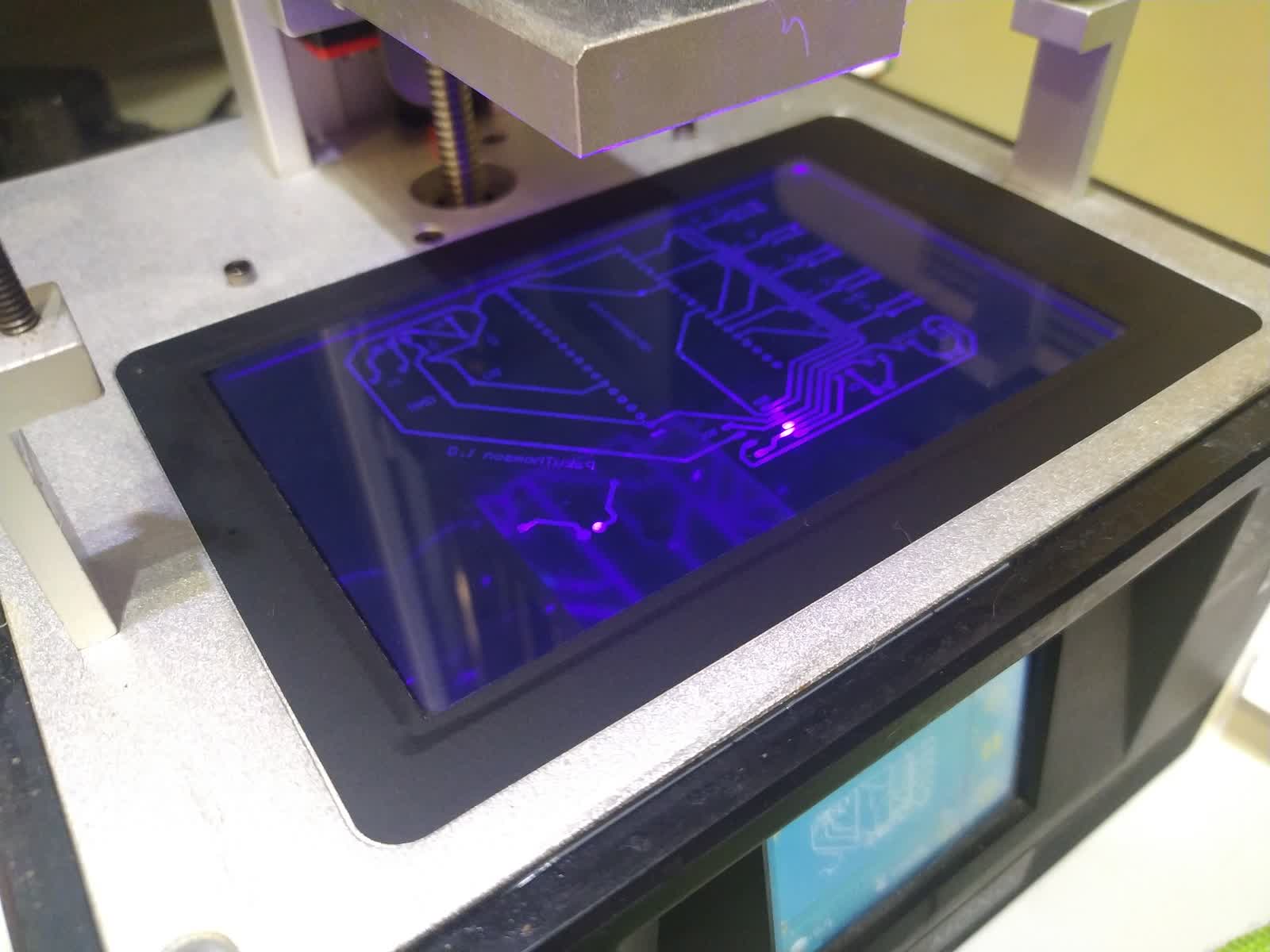
The workflow of making PCBs with an Anycubic Photon Mono has been working well for a while, but the UVtools workflow has too many steps for what it is: open a .pwmo template file, delete all layers, import the image as a new layer, set the exposure time, save. Five steps in a 60 MB program designed to manipulate resin prints with hundreds of layers.
pakuInsoladora collapses that process to three actions: open the image, adjust the time, export. That is all it does. The binary weighs under 30 MB with Python and all dependencies bundled, needs no installation and runs on Windows and Linux.
02 — Interface: all you need
The window has two zones. On the left, the controls; on the right, a real-time preview of what the printer will see.
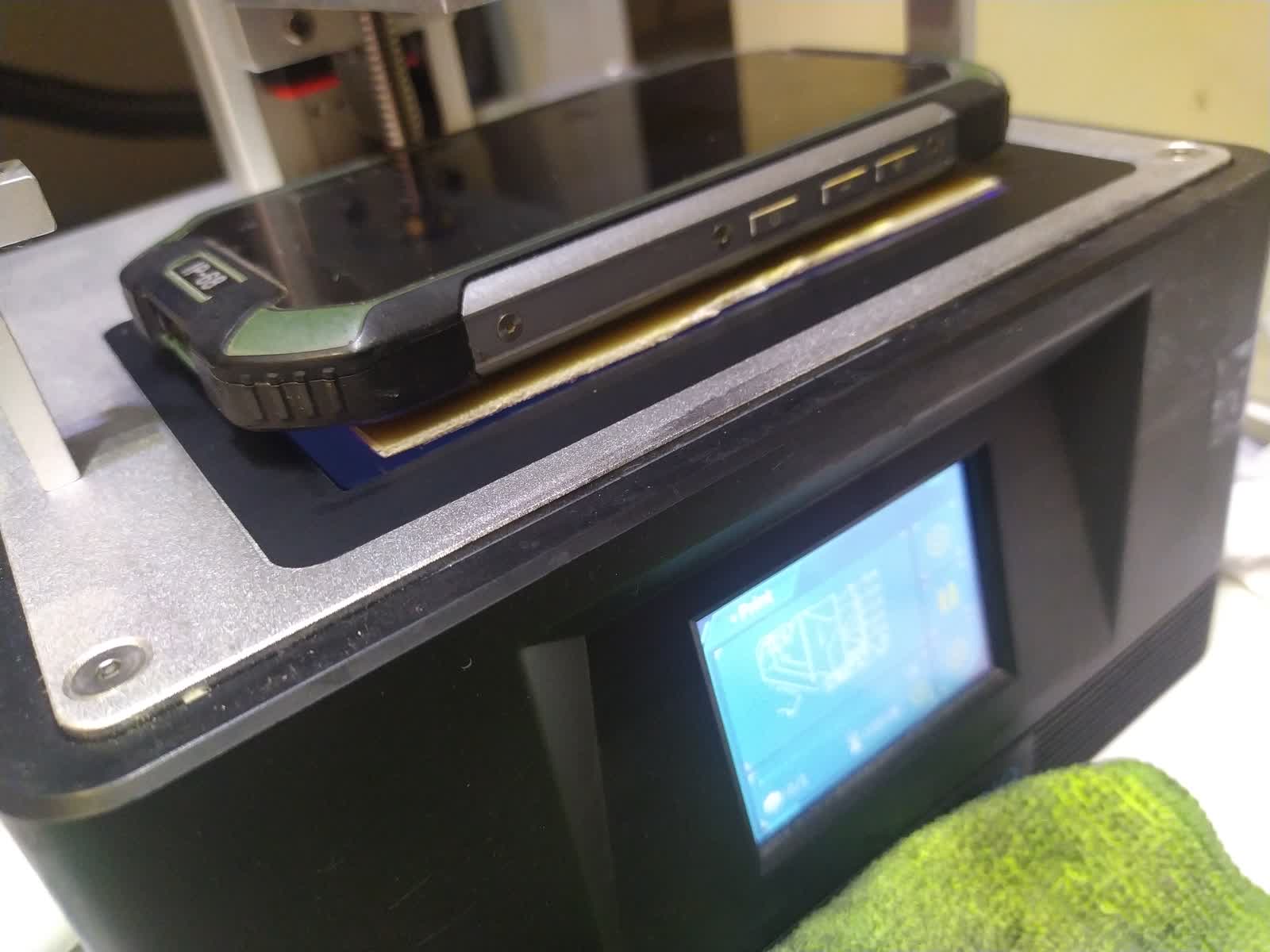
Open image / PDF. Accepts PNG, JPG, BMP, TIFF and PDF (first page). PDFs from KiCad or Eagle are rasterized automatically at 300 DPI. PDF is the most convenient format because you don't have to worry about export resolution.
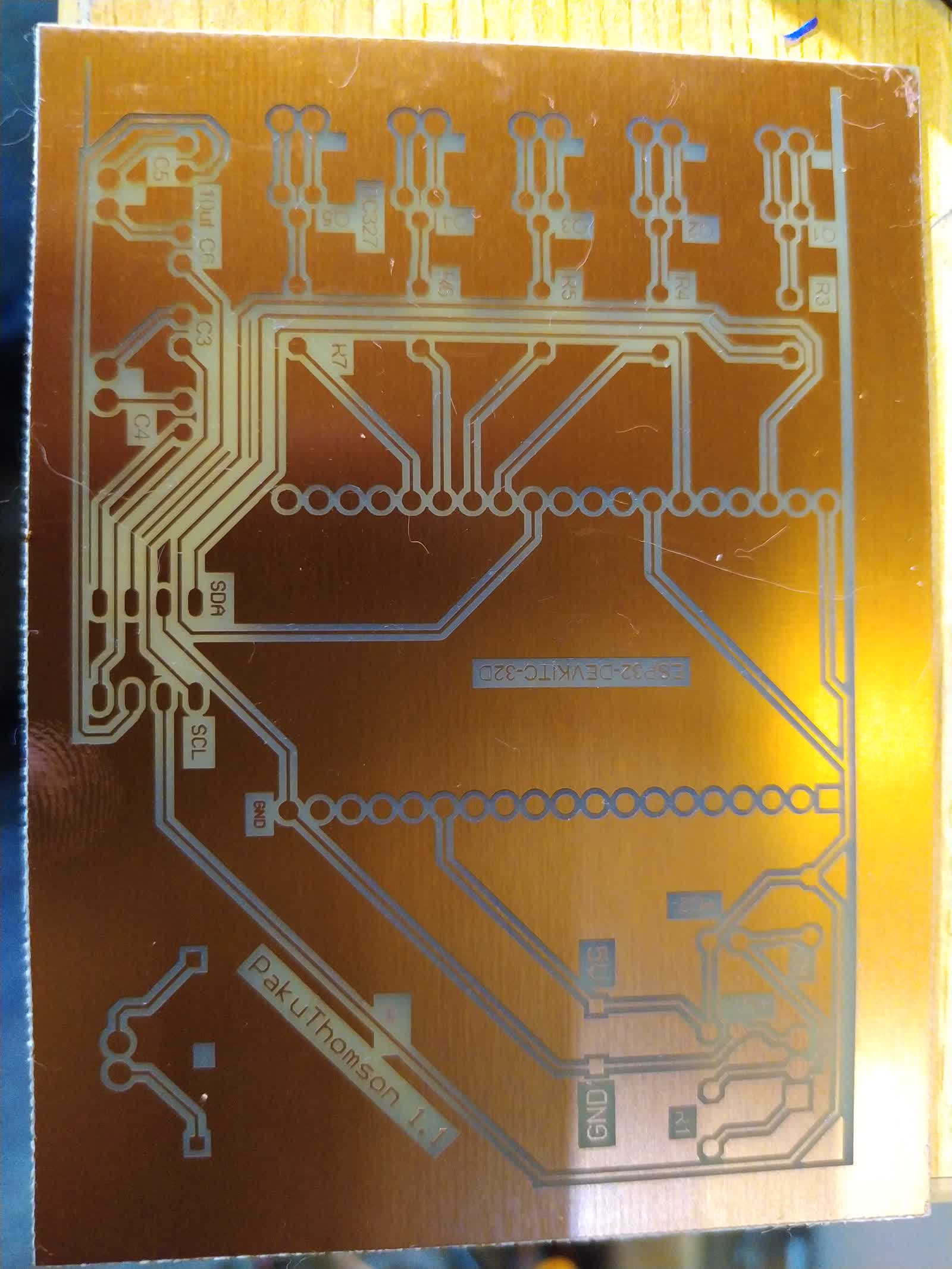
Invert image. On by default. KiCad exports traces in black on a white background. For correct exposure — traces not being exposed so copper stays protected — you need to invert: white background (gets exposed, developed, etched) and black traces (not exposed, photoresist protects the copper). If your export is already inverted, uncheck it.
Fit to bed. Scales the image to fill the printer screen while keeping proportions. Disable it if you already exported exactly 1:1 to the screen resolution.
Exposure time. The starting point for the Photon Mono with standard presensitized board is 8 seconds. Adjust based on results: if development washes away traces, lower the time; if it doesn't develop enough, raise it.
03 — The pwmo format inside
The .pwmo (and .pws, .pwmox) files follow the binary ANYCUBIC format, the same one used by all modern Anycubic printers. The structure is a header with pointers to sections — parameter header, RGB565 preview, layer table and RLE image data — all little-endian.
The image is encoded with PWS 1-bit RLE compression: each byte stores the color in bit 7 (0=black, 1=white) and the run length in bits 0–6 (up to 128 consecutive pixels of the same color). For a PCB — a nearly binary image — the compression is excellent: the resulting file is a few kilobytes even for million-pixel screens.
pakuInsoladora generates the file from scratch in Python using struct, with no proprietary format dependencies. Add a new printer to the PRINTERS dict in core/formats/anycubic.py and the rest just works.
04 — Self-contained binary
Binaries are compiled with PyInstaller in GitHub Actions: a Windows runner builds the .exe, an Ubuntu 22.04 runner builds the Linux binary. CI runs automatically when a new version tag is created in the repository.
Python, Pillow, PyMuPDF and tkinter are bundled inside the executable. Nothing to install. On Linux just make it executable:
chmod +x pakuInsoladora-linux
./pakuInsoladora-linux
On Windows, double-click pakuInsoladora-windows.exe.
05 — Supported printers
The initial release supports four Anycubic models. Adding more is trivial: a dict entry with resolution, bed size, pixel size in microns and file extension.
| Printer | Resolution | File |
|---|---|---|
| Anycubic Photon Mono | 1620 × 2560 | .pwmo |
| Anycubic Photon Mono SE | 1620 × 2560 | .pwmo |
| Anycubic Photon Mono X | 3840 × 2400 | .pwmox |
| Anycubic Photon S | 1440 × 2560 | .pws |
If you have another Anycubic printer or a different brand that uses the ANYCUBIC binary format, open an issue on the repository with the resolution and bed size and I'll add it.
06 — Download and use
Executables are on the GitHub releases page. Download the one for your OS, run it and go.
- pakuInsoladora-windows.exe — Windows 10/11 x64, no installation
- pakuInsoladora-linux — Linux x64 (Ubuntu 22.04+, Debian, Fedora, Arch)
Source code is at github.com/unmateria/pakuInsoladora under GPL v3. If you modify and distribute it, the fork must also be free software.
To build from source:
git clone https://github.com/unmateria/pakuInsoladora.git
cd pakuInsoladora
pip install -r requirements.txt
python main.py